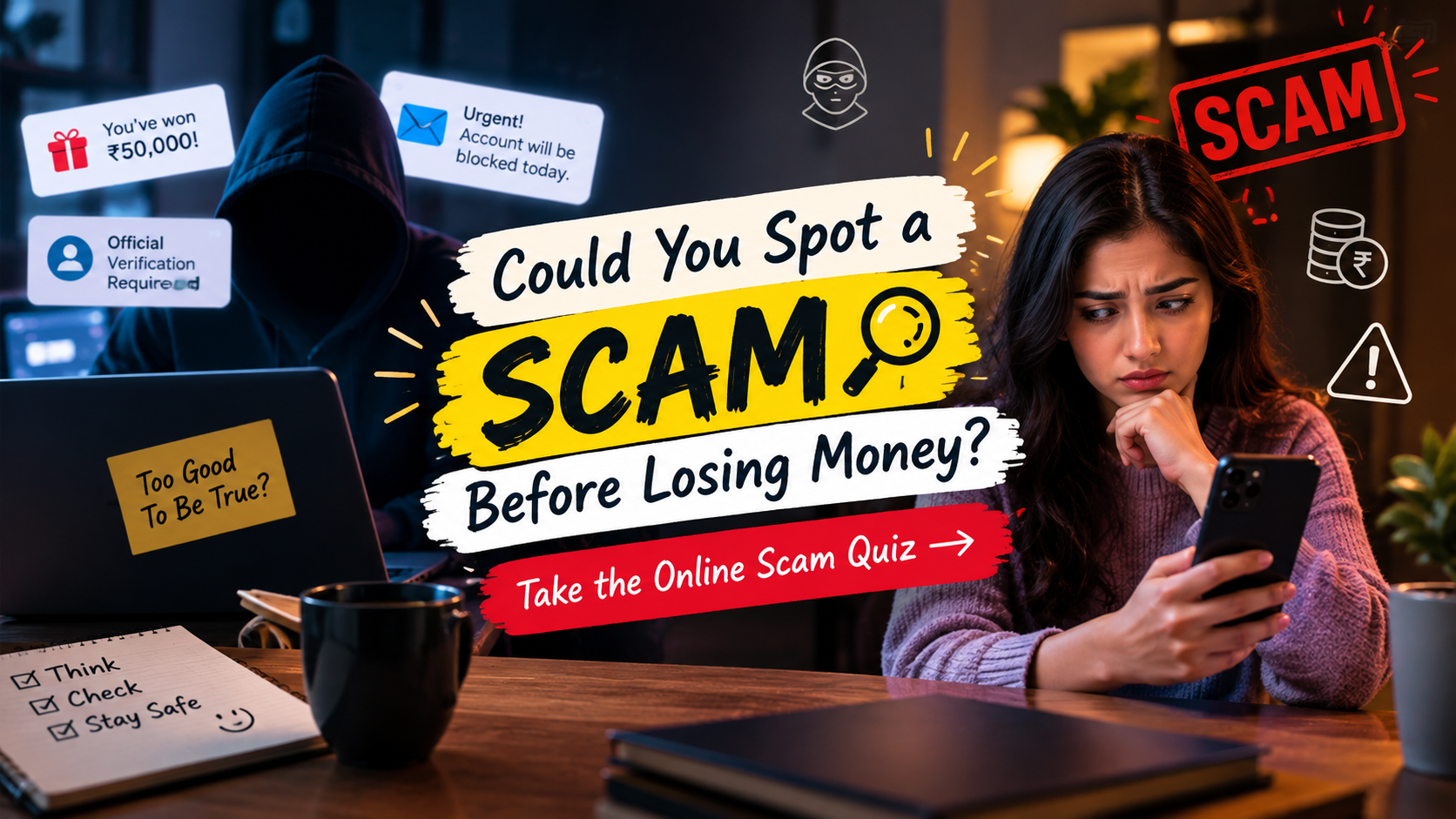
Could You Spot a Scam Before Losing Money? Take the Online Scam Quiz
Could You Spot a Scam Before Losing Money? Take the Online Scam Quiz
Most people imagine they would recognise a scam immediately. A badly written message or an unbelievable offer might be easy to dismiss. But real scams are not always that obvious. Some look like delivery updates, bank alerts, job offers or messages from people we know.
The difficult part is that these messages often arrive when we are busy. A warning about a blocked account or a request to confirm a payment can make us react before we stop to think.
This online scam quiz is designed to test your knowledge of common digital tricks and everyday online safety. It covers suspicious messages, payment requests, passwords, fake websites and social engineering. You do not need to be a technology expert to take part.
How to Take This Online Scam Quiz
There are 50 multiple-choice questions, each with four possible answers. Choose the option you believe is safest or most accurate. Keep track of your answers and check the answer key at the end.
Some questions may seem obvious, while others describe situations where the safest response is not immediately clear. Read each scenario carefully instead of rushing to finish.
Watch: How to Recognise Online Scams
Learn how to recognise suspicious messages, spot fake websites and avoid common phishing scams before sharing personal information online.
Part 1: Recognising Suspicious Messages
You receive a message saying your bank account will be blocked in ten minutes unless you click a link. What should you do?
- A. Click immediately
- B. Reply with your account details
- C. Contact the bank through its official app or number
- D. Forward the message to friends
An unknown sender says you have won a prize but must pay a processing fee first. What is the biggest warning sign?
- A. The message has colourful graphics
- B. You are asked to pay to receive an unexpected prize
- C. The sender uses your first name
- D. The message arrives during the day
A delivery message asks you to pay a small fee through an unfamiliar link. What is the safest next step?
- A. Open the link to see what happens
- B. Enter your card details but not your name
- C. Check the delivery through the courier's official website or app
- D. Reply asking whether the fee is genuine
Which detail can be a warning sign in an unexpected email?
- A. A familiar company logo by itself
- B. A request to act urgently and share sensitive information
- C. A normal greeting
- D. A clearly expected receipt
A message appears to come from your colleague and asks you to buy gift cards urgently. What should you do first?
- A. Buy them before the shop closes
- B. Send the card codes by email
- C. Verify the request through a separate trusted channel
- D. Ask another unknown contact to pay
What does phishing generally involve?
- A. Tricking people into revealing information or taking an unsafe action
- B. Improving a website's loading speed
- C. Backing up personal photos
- D. Updating a phone's operating system
An email says your account has a problem, but you cannot remember using that service. What is the sensible response?
- A. Download its attachment
- B. Use the email link to create an account
- C. Reply with your phone number
- D. Avoid its links and verify the claim independently
Which message deserves the most caution?
- A. A receipt for a purchase you made
- B. An unexpected message demanding your password to prevent account closure
- C. A newsletter you subscribed to
- D. A calendar reminder you created
Why can a familiar-looking sender name be misleading?
- A. Sender names can be displayed or imitated in misleading ways
- B. All familiar names are automatically safe
- C. Sender names cannot appear on mobile devices
- D. Only promotional emails have sender names
You are unsure whether a message is genuine. What is the best general rule?
- A. Trust it if it contains correct spelling
- B. Trust it if it uses a company logo
- C. Verify it using a known, official contact method
- D. Click its link in a private browser window
Part 2: Links, Websites and Downloads
Before opening an unfamiliar website, which detail is useful to check?
- A. Whether the page uses bright colours
- B. Whether the web address is the correct official domain
- C. Whether the page has a large logo
- D. Whether the page contains many images
What does HTTPS indicate about a website connection?
- A. The business is guaranteed to be genuine
- B. The website cannot contain scams
- C. The connection is encrypted, but the site itself is not automatically trustworthy
- D. The website has government approval
A website offers an expensive phone at an unbelievably low price and accepts only unusual payment methods. What should you do?
- A. Check the seller independently and avoid paying until you can verify it
- B. Pay quickly before the offer disappears
- C. Share the deal with everyone
- D. Send extra money to reserve the phone
What is the safest approach to an unexpected email attachment?
- A. Open it if the file name looks professional
- B. Enable all prompts to view it
- C. Forward it to your personal email
- D. Verify the sender and purpose before opening it
A pop-up claims your phone has several viruses and gives a number to call. What should you do?
- A. Call immediately
- B. Avoid the pop-up and use trusted security tools if needed
- C. Share your screen with the caller
- D. Install whatever it recommends
Why is it risky to install an app from an unknown website?
- A. Every app outside an app store is harmless
- B. It always makes your phone faster
- C. It may contain harmful software or misuse permissions
- D. It automatically protects your photos
A website address has an extra word or a misspelling compared with the official brand name. What should you do?
- A. Treat it cautiously and navigate to the official site yourself
- B. Assume it is a new official domain
- C. Enter your password to test it
- D. Ignore the address if the logo looks right
What is a QR-code scam sometimes called?
- A. Spoofing
- B. Smishing
- C. Ransomware
- D. Quishing
Someone sends you a file that claims to contain an important bill, but you were not expecting it. What is the safest action?
- A. Enable macros if requested
- B. Confirm the bill with the supposed sender using trusted contact details
- C. Upload it to a public file-sharing site
- D. Open it on every device
Which statement about online reviews is most accurate?
- A. Five-star reviews always prove a seller is legitimate
- B. Reviews cannot be manipulated
- C. Reviews can help, but they should be checked alongside other evidence
- D. A new seller with no reviews is always fraudulent
Part 3: Payments, Banking and Shopping
Someone claiming to be a bank employee asks for your one-time password (OTP) over the phone. What should you do?
- A. Share it if the caller knows your name
- B. Share only the first few digits
- C. Send it by text instead
- D. Do not share it; contact the bank through official channels
In India, what is an important safety rule when using UPI?
- A. A UPI PIN is used to authorise a payment, not to receive money
- B. Every incoming payment requires you to reveal your PIN to the sender
- C. You should approve every collect request
- D. You should share your PIN to reverse a payment
A stranger says they accidentally transferred money to you and asks you to send it to a different account. What should you do?
- A. Transfer it immediately
- B. Keep the money and ignore all records
- C. Contact your bank or payment provider and follow its guidance
- D. Ask the stranger for their password
You notice an unfamiliar transaction in your bank account. What should you do first?
- A. Wait several weeks
- B. Contact your bank promptly through its official channel and report it
- C. Post your full account details online
- D. Reply to any message offering to recover the money
Which payment situation is especially risky when buying from an unknown seller?
- A. Checking the return policy
- B. Comparing prices from several stores
- C. Reading the seller's terms
- D. Sending money through an irreversible method without verifying the seller
A caller promises to double your money quickly with no risk. What should you remember?
- A. Guaranteed high returns with no risk are a major warning sign
- B. Every investment offer is genuine if made by phone
- C. You should borrow money to join immediately
- D. A countdown proves the opportunity is real
Someone offers to reverse a payment but asks you to scan a QR code and enter your PIN. What is the safest response?
- A. Follow the instructions if the amount is small
- B. Enter your PIN twice to confirm
- C. Stop and verify the situation through your payment provider
- D. Share your screen with the person
Why should you be careful with public Wi-Fi when accessing financial accounts?
- A. Public Wi-Fi always deletes your files
- B. Untrusted networks can create security risks, so use trusted connections and official apps
- C. Banking apps never use encryption
- D. Every public network is controlled by criminals
A buyer sends a screenshot showing that they paid you, but the money is not in your account. What should you do?
- A. Hand over the item immediately
- B. Trust the screenshot as proof
- C. Send the buyer a refund first
- D. Confirm the payment in your own bank or payment app
What is a sensible way to protect online purchases?
- A. Use trusted sellers, check the payment details and keep transaction records
- B. Save your card PIN in a public note
- C. Pay through any link sent by a stranger
- D. Ignore unexpected payment alerts
Part 4: Passwords, Accounts and Personal Information
Which password habit is safest?
- A. Use your birthday on every website
- B. Reuse one memorable password everywhere
- C. Use long, unique passwords or passphrases for different accounts
- D. Share passwords with friends for backup
What does multi-factor authentication add to account security?
- A. A guarantee that scams are impossible
- B. An additional verification step beyond the password
- C. A public profile page
- D. An automatic payment method
What is a passkey designed to help with?
- A. Sharing a password with customer support
- B. Making every website publicly accessible
- C. Removing the need to secure your device
- D. Signing in using cryptographic credentials, often with your device's unlock method
You receive a sign-in code even though you are not trying to log in. What should you do?
- A. Do not share the code; check your account security through the official service
- B. Send the code to the person who asks first
- C. Post it to ask whether it is genuine
- D. Approve every login notification
Why can sharing your live location or travel plans publicly be risky?
- A. It always damages your phone
- B. It automatically reveals your passwords
- C. It may expose personal routines or whereabouts to people you do not trust
- D. It makes all your messages public
A person claiming to be technical support asks for remote access to your computer without a verified reason. What should you do?
- A. Give access to prove you are cooperative
- B. Refuse and independently verify the support request
- C. Provide your banking password first
- D. Disable your security software
What should you do if you accidentally share your password on a suspicious website?
- A. Wait until someone uses the account
- B. Reuse the password elsewhere before changing it
- C. Delete the browser history only
- D. Change it through the official service and secure any accounts using the same password
Why are software and security updates important?
- A. They can fix known security weaknesses and other bugs
- B. They guarantee that every website is genuine
- C. They eliminate the need for passwords
- D. They make suspicious links safe
What is the safest approach to app permissions?
- A. Allow every permission automatically
- B. Give all apps access to contacts and location
- C. Grant only permissions that are needed and appropriate
- D. Disable all phone security features
What is a good reason to keep backups of important files?
- A. Backups prevent every phishing email
- B. Backups can help recover data after loss, damage or some cyber incidents
- C. Backups make every download safe
- D. Backups prevent all unauthorised logins
Part 5: Impersonation and Tricky Situations
You receive a voice message that sounds like a family member asking for emergency money. What should you do?
- A. Send money without checking
- B. Share your bank details with the caller
- C. Post the message publicly
- D. Verify the request by calling the person on a known number or contacting another trusted family member
What is a deepfake?
- A. Synthetic or manipulated media that can make someone appear to say or do something they did not
- B. A standard bank receipt
- C. A type of password manager
- D. A normal software update
A recruiter offers a job but asks you to pay a fee to guarantee your selection. What should you do?
- A. Pay immediately to secure the role
- B. Share your banking PIN
- C. Verify the employer and treat the upfront payment demand as a serious warning sign
- D. Send money to a personal account without checking
Someone online says they need money urgently but refuses to speak with you or verify their identity. What is the safest approach?
- A. Transfer money because urgency proves the story
- B. Verify their identity independently before considering any payment
- C. Send your identity documents first
- D. Give them access to your account
What is social engineering in cybersecurity?
- A. Designing a website layout
- B. Repairing a computer network
- C. Improving a mobile app's interface
- D. Manipulating people into revealing information or taking unsafe actions
A caller threatens legal action unless you pay immediately using gift cards or cryptocurrency. What should you do?
- A. Treat the unusual payment demand as a warning sign and independently verify the claim
- B. Pay before asking any questions
- C. Share your OTP to stop the threat
- D. Install the caller's recommended app
What is the safest response to a suspicious message in a group chat?
- A. Forward it to more groups
- B. Click its link to confirm whether it works
- C. Avoid spreading it, verify the claim and report it where appropriate
- D. Reply with personal details to test the sender
If you suspect that you have been scammed, which action is sensible?
- A. Delete every record before seeking help
- B. Contact the relevant bank or service promptly, preserve evidence and report the incident
- C. Pay another person who guarantees recovery
- D. Ignore the incident if the amount seems small
Someone promises to recover your lost money but demands an advance fee. What should you do?
- A. Pay the fee because recovery is guaranteed
- B. Share your account login
- C. Give them remote access to your phone
- D. Be cautious: recovery scams often target people who have already lost money
Which habit best helps you stay safer online over time?
- A. Pause before acting, verify unexpected requests and keep your devices and accounts secure
- B. Trust every message from a familiar-looking account
- C. Use the same password everywhere
- D. Ignore account alerts unless money is already missing
Online Scam Quiz Answer Key
Finished all 50 questions? Check your answers below. If you missed a question, read the explanation and think about how the same situation might appear in real life.
- C — Contact the bank through an official channel.
- B — Unexpected prizes that require payment are a warning sign.
- C — Verify delivery details using the courier's official service.
- B — Urgency combined with requests for sensitive information deserves caution.
- C — Confirm unusual requests through another trusted channel.
- A — Phishing tries to trick people into disclosing information or taking unsafe actions.
- D — Verify unexpected claims independently.
- B — Password demands and threats of account closure can indicate phishing.
- A — Sender names can be misleading or imitated.
- C — Use known official contact details rather than message links.
- B — Check the exact web address, not just the page design.
- C — HTTPS encrypts the connection but does not guarantee that a site is legitimate.
- A — Verify the seller before making a payment.
- D — Confirm unexpected attachments before opening them.
- B — Do not trust alarming pop-ups that direct you to unknown support numbers.
- C — Untrusted downloads may contain harmful software or misuse permissions.
- A — A misleading domain can imitate a legitimate website.
- D — QR-code phishing is commonly called quishing.
- B — Verify unexpected bills with the supposed sender.
- C — Reviews are useful evidence, not a guarantee.
- D — Never disclose an OTP to an unsolicited caller.
- A — Your UPI PIN authorises payments; it is not needed simply to receive money.
- C — Ask your bank or payment provider how to handle the transfer safely.
- B — Report unfamiliar transactions promptly.
- D — Unverified payments through difficult-to-reverse methods can be risky.
- A — Promises of high returns without risk are a major red flag.
- C — Verify the request before scanning or entering payment credentials.
- B — Untrusted networks can pose security risks.
- D — Check your own payment app or bank account.
- A — Use trusted sellers and keep payment records.
- C — Unique passwords limit the damage if one account is compromised.
- B — Multi-factor authentication adds another verification step.
- D — Passkeys use cryptographic credentials for sign-in.
- A — Keep sign-in codes private and review account security.
- C — Public location information may expose personal routines.
- B — Verify support requests before allowing remote access.
- D — Change the exposed password and secure other affected accounts.
- A — Updates can repair known vulnerabilities.
- C — Give apps only appropriate permissions.
- B — Backups help recover data after certain incidents.
- D — Verify an emergency request using a trusted contact method.
- A — Deepfakes can create misleading synthetic or manipulated media.
- C — Check the employer and be wary of upfront job fees.
- B — Verify the person's identity independently.
- D — Social engineering manipulates people rather than relying only on technical attacks.
- A — Independently verify threats and unusual payment demands.
- C — Verify suspicious claims before forwarding them.
- B — Preserve evidence and contact the relevant service promptly.
- D — Advance-fee recovery offers may be another scam.
- A — Pausing and verifying are valuable everyday safety habits.
How Did You Score?
- 45–50: Excellent awareness. You recognised most warning signs. Keep reviewing your habits because scams change over time.
- 35–44: Good understanding. You know many of the basics, but a few tricky situations are worth revisiting.
- 25–34: Room to improve. Focus on verifying messages, protecting payment credentials and securing your accounts.
- 0–24: Start with the basics. Review the answer key and practise pausing before responding to unexpected requests.
Your score is a learning guide, not a guarantee that you will always recognise a scam. Even careful people can be caught off guard by convincing messages.
Small Habits That Make a Difference
You do not need to investigate every message like a cybersecurity expert. Start with a few practical habits: do not share passwords, OTPs or payment PINs; avoid unexpected links; verify urgent requests through trusted channels; keep your devices updated; and check financial transactions regularly.
If you are in India and suspect financial cyber fraud, contact your bank or payment provider promptly. You can also report cybercrime through the official National Cyber Crime Reporting Portal at cybercrime.gov.in. For suspected financial cyber fraud, the national helpline is 1930.
Final Thoughts
Online safety is not about being suspicious of everyone. It is about giving yourself time to check a claim before sharing information or sending money. A convincing logo, familiar voice or urgent warning is not proof that a request is genuine.
Share this quiz with friends or family and compare your scores. You may find that the most useful lesson is not the number of answers you got right, but the warning signs you will notice next time.